Frequently asked questions
Are the guides suitable for Design Space beginners?
Yes. The visual guides help both people who are just starting out with the software and those who already use Design Space but still get lost in the tools, menus and commands when they try something new.
Do I need advanced knowledge of the software to use the guides?
No, you don't need any advanced knowledge. The guides are made precisely for anyone who feels lost among so many buttons and menus – they start with the basics and take you step by step to the more advanced features.
Which tasks are included?
The main everyday tasks in Design Space: creating shapes and text, aligning and grouping elements, using Weld, Attach, Slice and Flatten, creating contours and white borders for stickers and tags, uploading and editing PNG/SVG images, and setting up Print Then Cut from start to finish.
Are the guides in English?
Yes. All the guides are in English and use the same menu and button names you see in Design Space on your screen.
Can I print the guides?
Yes. The PDF is designed in A4 format. You can print it and keep it right next to your cutting machine as a reference.
Do the guides work with every Cricut model?
The guides show Design Space, the software used by all current Cricut cutting machines. Some features and tools aren't available on every model.
Will the guides stop me having to search for a new tutorial every time I forget a command?
Yes. That's exactly what they're made for: you look up the task and see straight away where to click and in what order – without watching a whole video.
Can I access them on my phone?
Yes. The guides come as a PDF you can open on your phone, tablet or computer.
Do I get access straight after buying?
Yes. As soon as your payment is confirmed, you'll receive everything by email.
Is there a monthly fee?
No. You pay once and keep your access – no subscription and no monthly costs.
Are the bonuses included in the bundle?
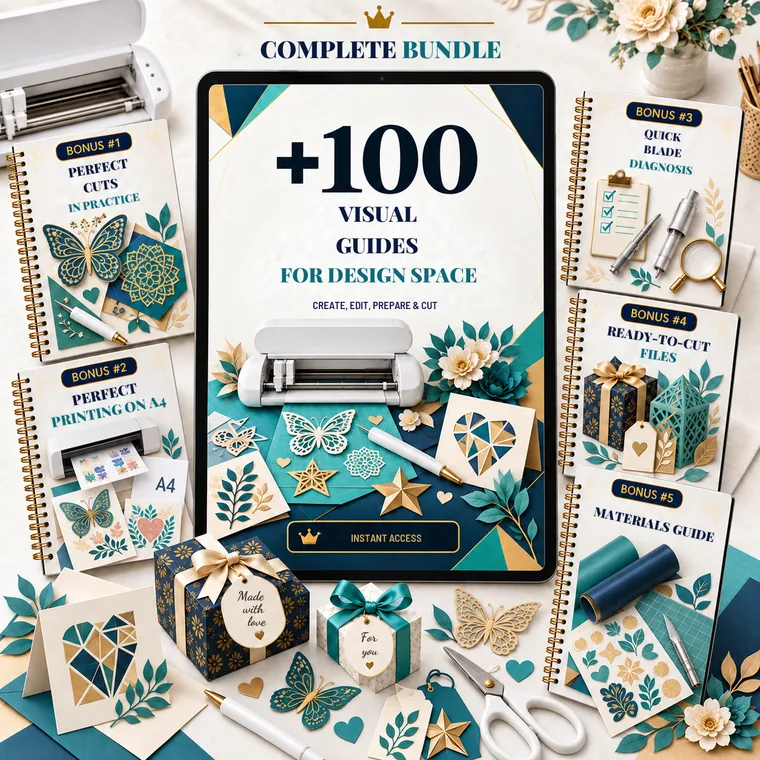
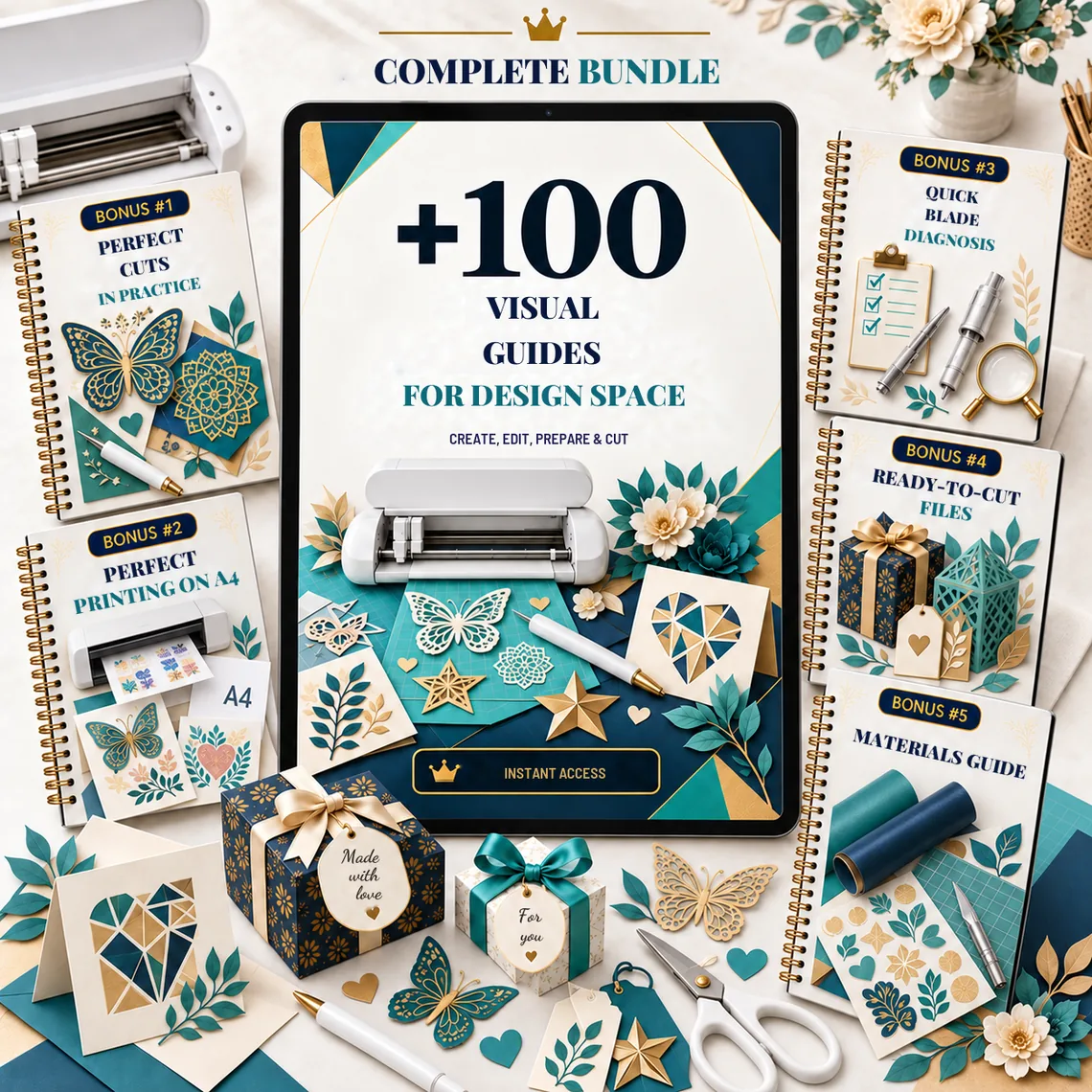
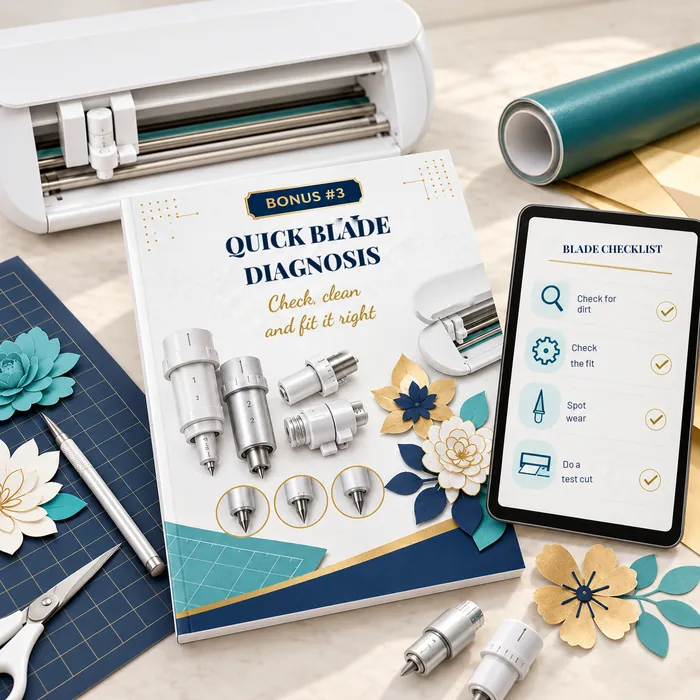
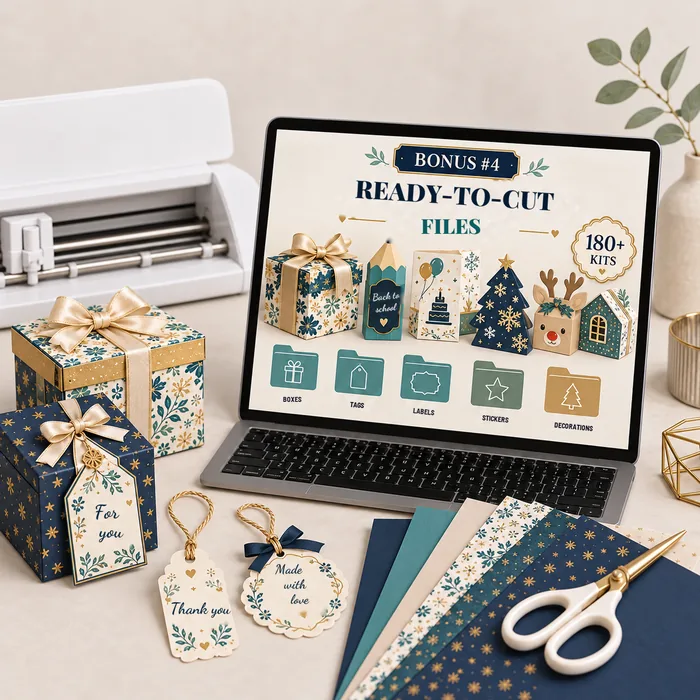
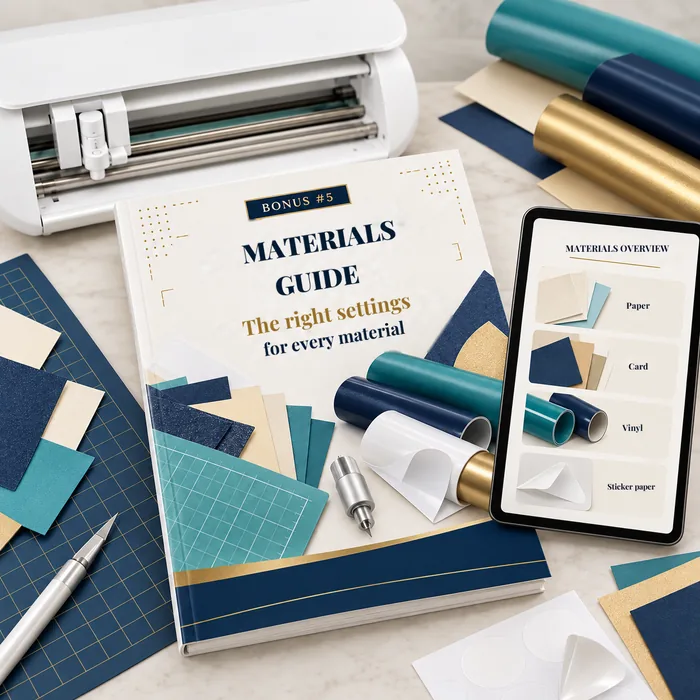
Yes. All 5 bonuses are included in the complete bundle and come with the same access as the guides.
What if I don't like the guides?
You have a 15-day no-questions-asked guarantee. If you find the guides aren't right for you, just email us and you'll get 100% of your money back.
I want access and to start today